

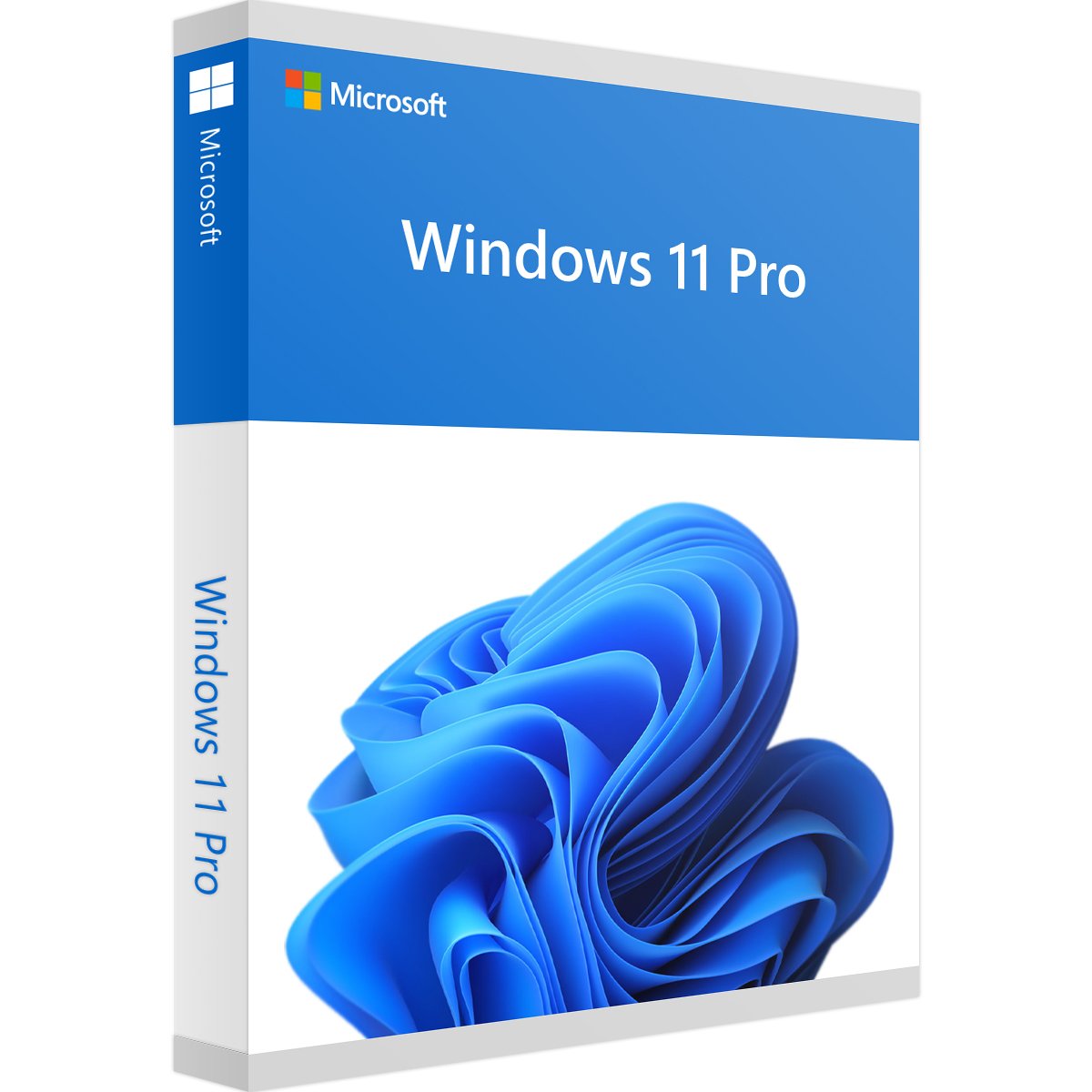
Windows 11 Pro Product Key — Genuine Retail Activation License
Original price was: $199.99.$19.99Current price is: $19.99.
- ✅ 100% Genuine Windows 11 Pro Retail License Key
- ✅ Single PC activation
- ✅ Instant digital delivery (0–2 hours)
- ✅ Lifetime activation
- ✅ All languages supported
- ✅ Compatible with all hardware meeting Windows 11 requirements


Windows 11 Pro Retail License Key — What You Need to Know
This is a genuine Windows 11 Pro Retail license key — the most flexible type of Windows license available. Unlike OEM keys that are permanently tied to one machine, a Retail key can be transferred to a new PC if you decommission the original. It’s the smartest choice for home users and professionals who upgrade their hardware regularly.
What is a Retail License?
A Retail license is the same type of license sold in physical boxes at stores like Best Buy or directly on Microsoft’s website — just delivered digitally at a fraction of the price. It activates through Microsoft’s official activation servers and provides permanent, genuine Windows 11 Pro access with no expiry date.
- Transferable — move it to a new PC if your old one is decommissioned
- Permanent — activates once and stays activated forever
- Genuine — activates via Microsoft’s official servers, passes Genuine Validation
- Full features — identical to buying from Microsoft directly
Key Features of Windows 11 Pro
- BitLocker encryption — protect your data with full disk encryption
- Windows Hello — biometric sign-in (fingerprint, face recognition)
- Remote Desktop — access your PC from anywhere
- Hyper-V — run virtual machines natively
- Snap Layouts — advanced multitasking with organized window layouts
- Azure Active Directory — cloud identity management for business
- Windows Sandbox — test apps in an isolated environment safely
- DirectStorage & Auto HDR — enhanced gaming performance
System Requirements
| Processor | 1 GHz or faster, 2+ cores, 64-bit compatible or SoC |
|---|---|
| RAM | 4 GB minimum |
| Storage | 64 GB or larger |
| TPM | Trusted Platform Module version 2.0 required |
| Display | 720p HD, 9”+ diagonal, 8 bits per color channel |
| Internet | Required for setup and activation |
How to Activate Windows 11 Pro
- Go to Settings → System → Activation
- Click Change product key
- Enter your 25-character key from your email
- Click Next — activation completes automatically
- Verify with: Settings → System → Activation — should show “Windows is activated”
Frequently Asked Questions
Is this a Retail license or OEM?
This is a Retail license — it is transferable to a new PC if your original hardware is decommissioned. OEM keys (which we also sell separately) are permanently tied to the first device they activate.
Can I transfer this key to a new PC later?
Yes. Retail keys can be moved to a new PC. To do so, deactivate Windows on the old machine first (Settings → System → Activation → Deactivate), then activate on the new machine using the same key.
What happens if I reinstall Windows?
Reinstalling Windows on the same hardware does not consume your activation. The key is linked to your hardware profile and will reactivate automatically after reinstallation — no need to re-enter the key in most cases.
Does my PC support Windows 11?
Windows 11 requires TPM 2.0, Secure Boot and a compatible 64-bit processor. Run the PC Health Check app from Microsoft to verify compatibility before purchasing.
Will I receive activation instructions?
Yes. Your license key and step-by-step activation instructions are included in the delivery email. If you need additional help, see our Installation Guides or contact support.
✅ 100% Genuine Microsoft Retail License — activates via official Microsoft servers
⚡ Instant Email Delivery — key in your inbox in 0 to 2 hours
♾️ Lifetime Activation — no renewals, no expiration
🔒 Secure Checkout — 256-bit SSL encryption
🛡️ 30-Day Money Back Guarantee
💬 24/7 Human Support — real people, not bots
Wondering why our prices are lower than Microsoft? Learn more →
Want to learn more? Read our guide on Windows 11 Home vs Pro: Which Do You Need? or see Windows 10 Pro vs Windows 11 Pro: Should You Upgrade?
Only logged in customers who have purchased this product may leave a review.
Related products
Microsoft Windows
Microsoft Windows
Microsoft Windows
Microsoft Windows
Microsoft Windows
Microsoft Windows
Windows 7 Professional Product Key — Genuine License 32/64 Bit
Microsoft Windows
Microsoft Windows
Reviews
There are no reviews yet.