

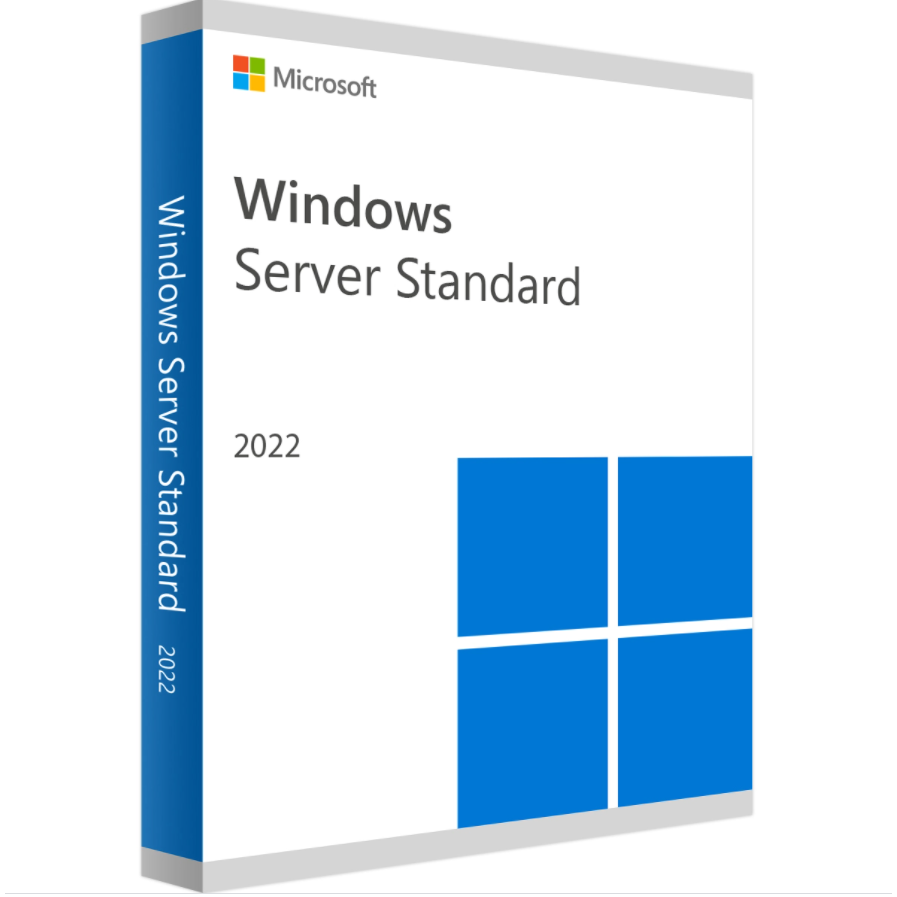
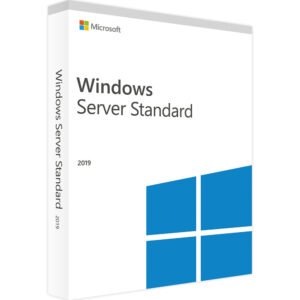
Windows Server 2022 Standard 16 Core License Key
Original price was: £486.00.£187.00Current price is: £187.00.
Official Download Link Provided
Lifetime Valid
100% updatable
Safe online Activation
Genuine Windows Software


Windows Server 2022 Standard — What You Need to Know
This is a genuine Windows Server 2022 Standard 16 Core license key — Microsoft’s latest server platform with advanced security, Azure hybrid capabilities and a flexible application platform for modern data centers.
Windows Server 2022 Standard vs Datacenter — Key Differences
| Feature | Standard | Datacenter |
|---|---|---|
| Virtual Machines | Up to 2 VMs per license | Unlimited VMs |
| Shielded VMs | Limited | Full support |
| Storage Spaces Direct | Not included | ✅ Included |
| Software-defined networking | Not included | ✅ Included |
| Best for | Physical or minimal VMs | Highly virtualized environments |
| Price | Lower | Higher |
Recommendation: If you need more than 2 VMs on a single server, choose Datacenter. For physical servers or minimal virtualization, Standard is the right choice.
Key Features of Windows Server 2022 Standard
- Secured-core server — advanced hardware-based security against firmware attacks
- Azure Arc integration — manage hybrid and multi-cloud environments from one place
- SMB over QUIC — secure file access without VPN
- Storage Migration Service — simplified migration from older servers
- DNS over HTTPS — encrypted DNS resolution
- Windows Containers — deploy containerized workloads
- Up to 2 VMs — per licensed server
Understanding Core Licensing
Windows Server 2022 Standard is licensed per physical core, with a minimum of 16 cores per server. This 16-core pack covers one server with up to 16 physical cores. For servers with more than 16 cores, additional core packs are required.
How to Activate Windows Server 2022 Standard
- Open Server Manager → Local Server
- Click on Product ID
- Enter your 25-character activation key
- Follow on-screen instructions to complete activation
Frequently Asked Questions
What is the difference between Standard and Datacenter?
Standard allows up to 2 VMs per licensed server and is best for physical or minimally virtualized environments. Datacenter provides unlimited VM rights and includes additional features like Storage Spaces Direct and software-defined networking. If you run more than 2 VMs, Datacenter is the better value.
Do I need Client Access Licenses (CALs)?
Yes. Each user or device that accesses Windows Server 2022 must have a CAL. We sell Windows Server 2022 CALs separately — both User CALs and Device CALs. Contact us if you need help calculating the right number of CALs for your environment.
What if my server has more than 16 cores?
This 16-core pack covers servers with up to 16 physical cores. For servers with 24 or 32 cores, you will need additional core packs. We sell Windows Server 2022 Standard in 16, 24 and 32 core configurations.
Is this compatible with Windows Server 2022 Datacenter?
This is the Standard edition, not Datacenter. They are separate products with different feature sets and pricing. If you need unlimited VM rights, purchase the Datacenter edition instead.
Can I upgrade from Windows Server 2019 to 2022 with this key?
No. This is a full license key for a new installation of Windows Server 2022 Standard. In-place upgrades from Server 2019 require a full license or Software Assurance coverage. Contact Microsoft for upgrade path details.
✅ 100% Genuine Windows Server 2022 Standard License
⚡ Instant Email Delivery — key in your inbox in 0 to 2 hours
♾️ Lifetime Activation — no renewals, no expiration
🔒 Secure Checkout — 256-bit SSL encryption
🛡️ 30-Day Money Back Guarantee
💬 24/7 Human Support — real IT-savvy people, not bots
Wondering why our prices are lower? Learn more →
Want to learn more? Read our guide on How to Install and Activate Windows Server or see Windows Server Standard vs Datacenter
Only logged in customers who have purchased this product may leave a review.
Related products
Windows Server
Windows Server
Windows Server
Windows Server
Windows Server
Windows Server
Microsoft Windows
Reviews
There are no reviews yet.