

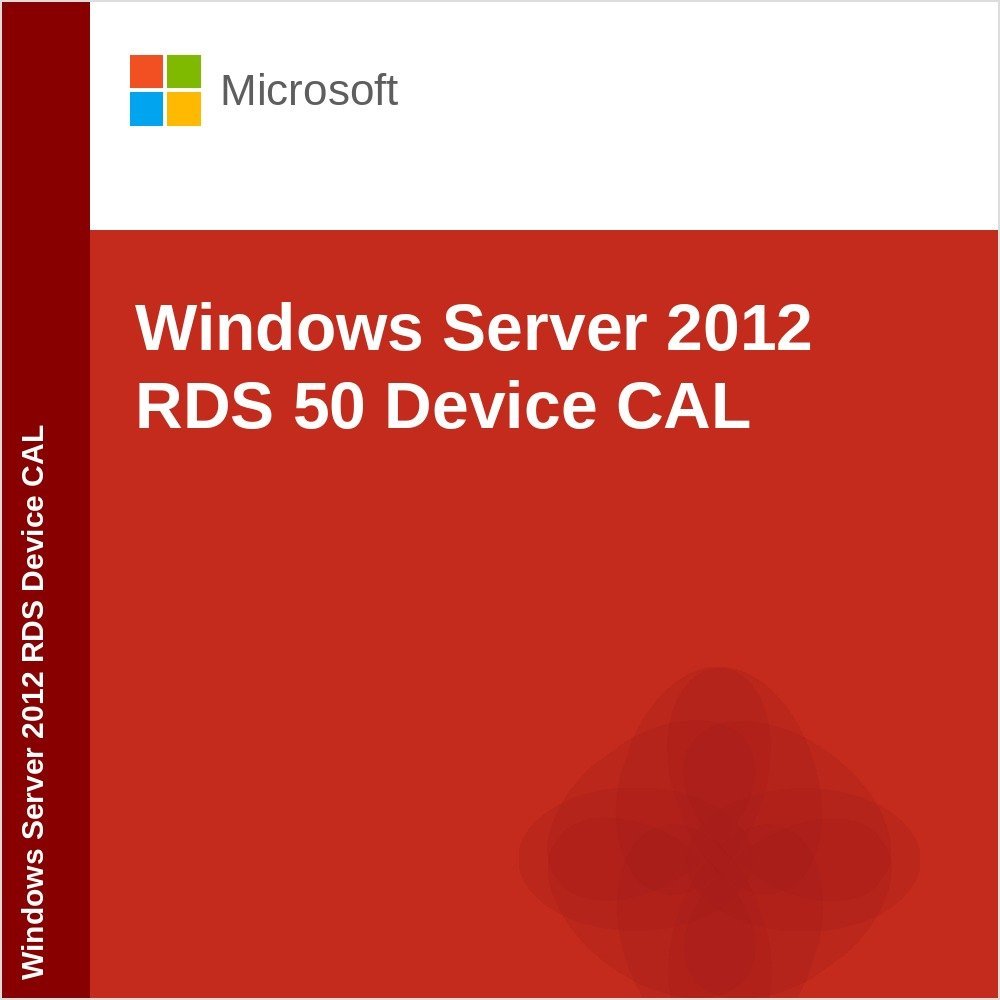
Windows Server 2012 Remote Desktop RDS 50 Device CAL
Original price was: $779.00.$159.99Current price is: $159.99.
DOWNLOAD LINK INCLUDED
✅ Low Price
✅ Both 32/64 bit version support
✅ All languages version support.
✅ Online update support (note: Windows Server 2012/2012 R2 extended support ended October 2023; no free security updates are available from Microsoft).
✅ Lifetime effective


Windows Server 2012 Remote Desktop RDS 50 Device CAL
License your deployments with Device or User Client Access Licenses
Each user or device accessing a licensed Windows Server requires a Windows Server CAL or a Windows Server and a Remote Desktop Services (RDS) CAL.
With the User CAL, you purchase a CAL for every user who accesses the server to use services such as file storage or printing, regardless of the number of devices they use for that access.
With a Device CAL, you purchase a CAL for every device that accesses your server, regardless of the number of users who use that device to access the server.
Windows Server 2012 Remote Desktop RDS 50 Device CAL
Want to learn more? Read our guide on How to Install and Activate Windows Server or see Windows Server Standard vs Datacenter
Only logged in customers who have purchased this product may leave a review.
Related products
Windows Server
Windows Server
RDS Services CALS
Windows Server
Windows Server
RDS Services CALS
RDS Services CALS
Reviews
There are no reviews yet.