

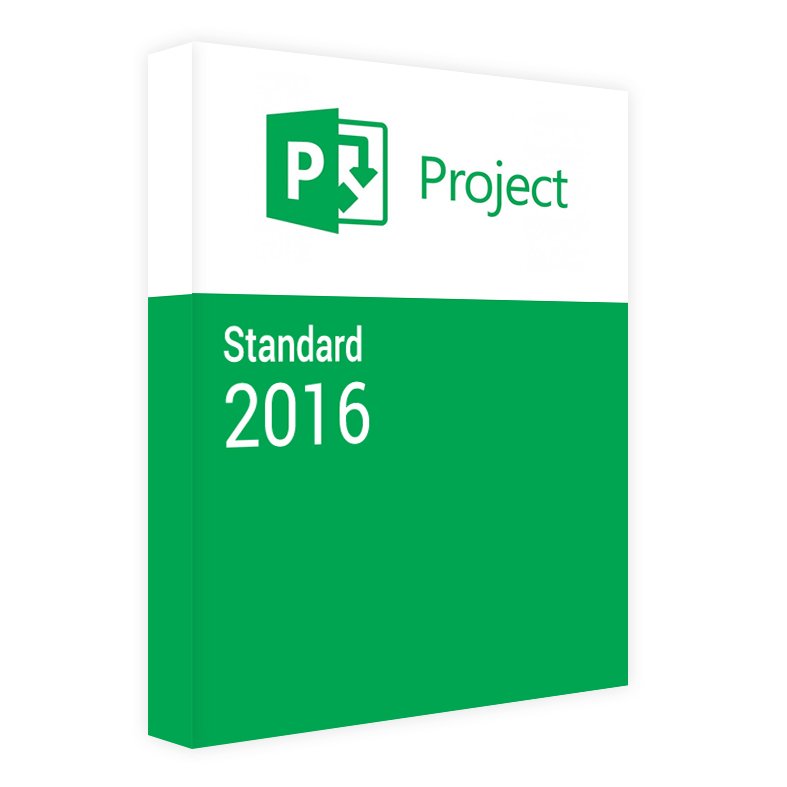
Project 2016 Standard 5 Users License key


Original price was: $349.00.$89.99Current price is: $89.99.
DOWNLOAD LINK INCLUDED
✅ 100% Genuine
✅ Both 32/64 bit version support
✅ All languages
✅ Updatable
✅ Lifetime effective


Project 2016 Standard License – 5 Users
Microsoft Project Standard 2016 is a straightforward project management tool that helps you plan projects, organize tasks, and track progress — built for individuals and teams who don’t need server-based collaboration.
What’s Included
- Genuine Microsoft Project Standard 2016 license key (5 users)
- Digital download link for installation media
- Step-by-step installation instructions
- Delivered by email within 0–2 hours of payment confirmation
Key Features
- Intuitive planning: Organize and link tasks, build timelines, and track progress against your schedule
- Resource tracking: Keep an eye on resource allocation and workload to keep projects on budget
- Standalone use: Works as a self-contained desktop application — no server connection required
- Familiar interface: Built on the same design language as other Office 2016 apps, so it’s easy to pick up
How to Activate
- Complete your purchase and check your email for the license key and download link
- Download the Project Standard 2016 installation files
- Run the installer and sign in with your Microsoft account when prompted
- Enter your license key to activate
- Open Project and start planning
Frequently Asked Questions
What are the system requirements?
Windows 7 or newer, at least 1 GB of RAM (32-bit) or 2 GB (64-bit), and 3 GB of free hard drive space.
Is this a one-time purchase?
Yes — this is a perpetual license with no recurring subscription fees, covering 5 users.
What’s the difference between Standard and Professional?
Standard covers individual project planning without server connectivity. Professional adds a Project Server CAL and team-collaboration features for connecting to a server.
Want to learn more? Read our guide on How to Install and Activate Visio & Project or see Visio/Project Standard vs Professional
- ✅ Genuine
- ⚡ Delivered within 0–2 hours
- ♾️ Lifetime Activation
- 🛡️ 30-Day Money Back Guarantee
Only logged in customers who have purchased this product may leave a review.
Related products

Reviews
There are no reviews yet.